
How do I open the Stratas Assistant?
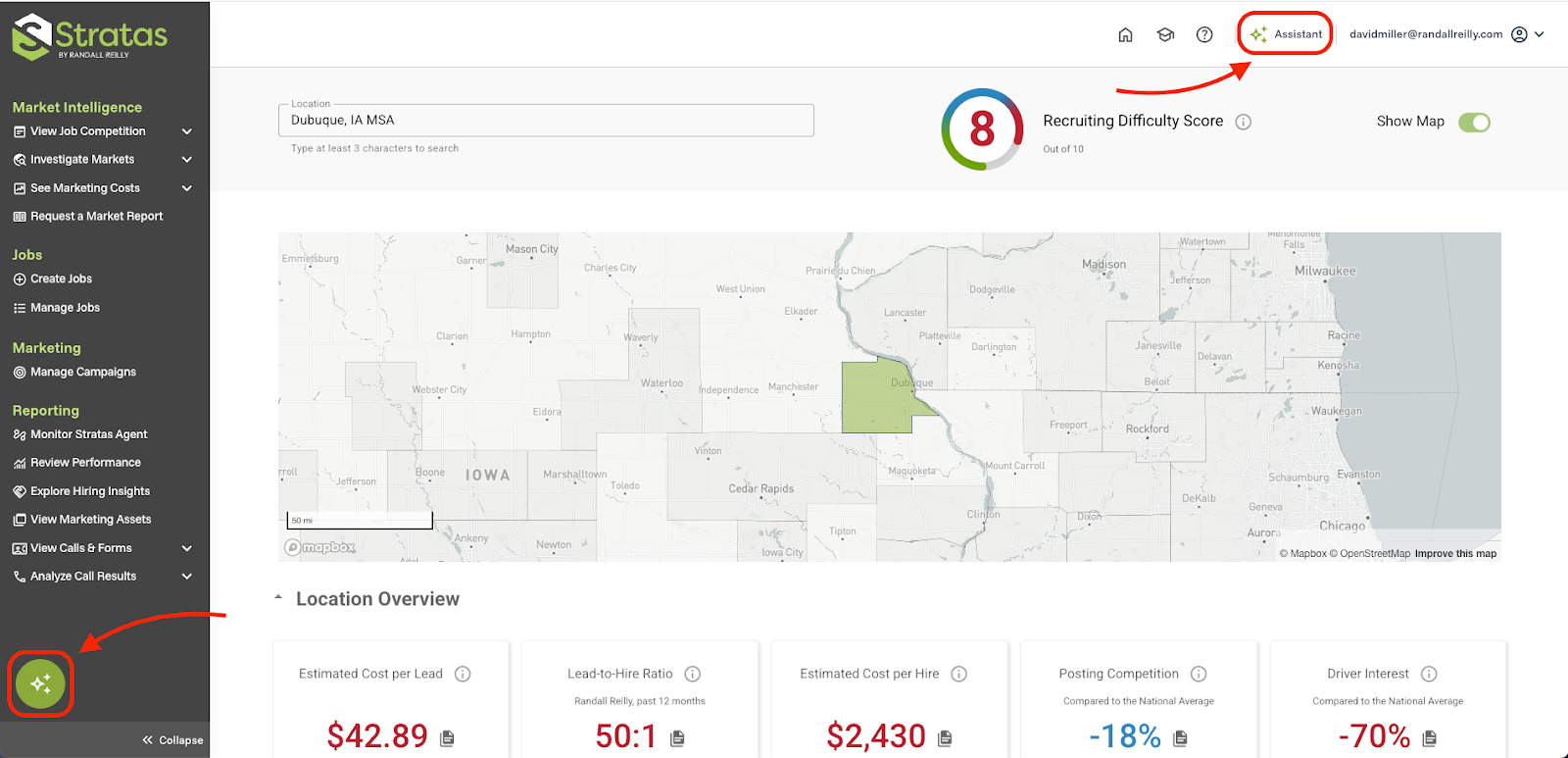
To open the Stratas Assistant, click either the green circle in the bottom left corner or the Assistant button in the Stratas header.
How do I hide the Stratas Assistant?
Hide the Assistant by clicking outside the chat interface or by clicking the X button in its top right corner. The Assistant will continue generating a response even while the interface is hidden; you can reopen the chat at any point to see its response.